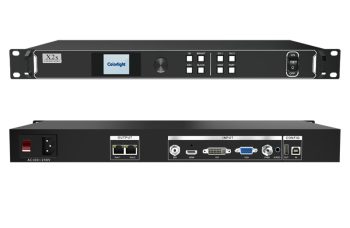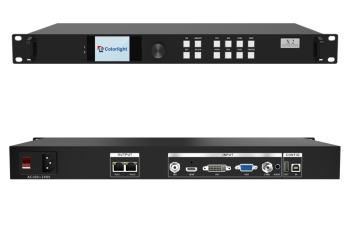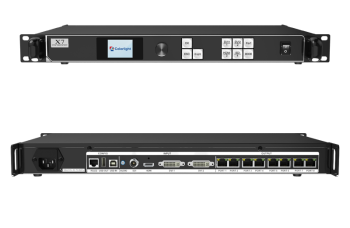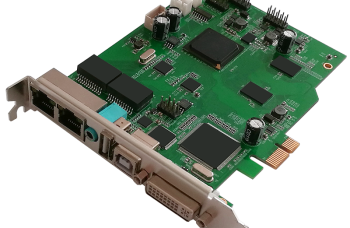
Overview
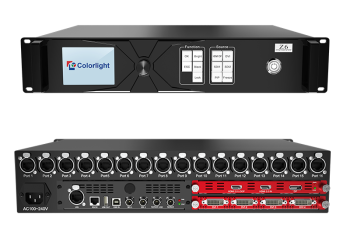
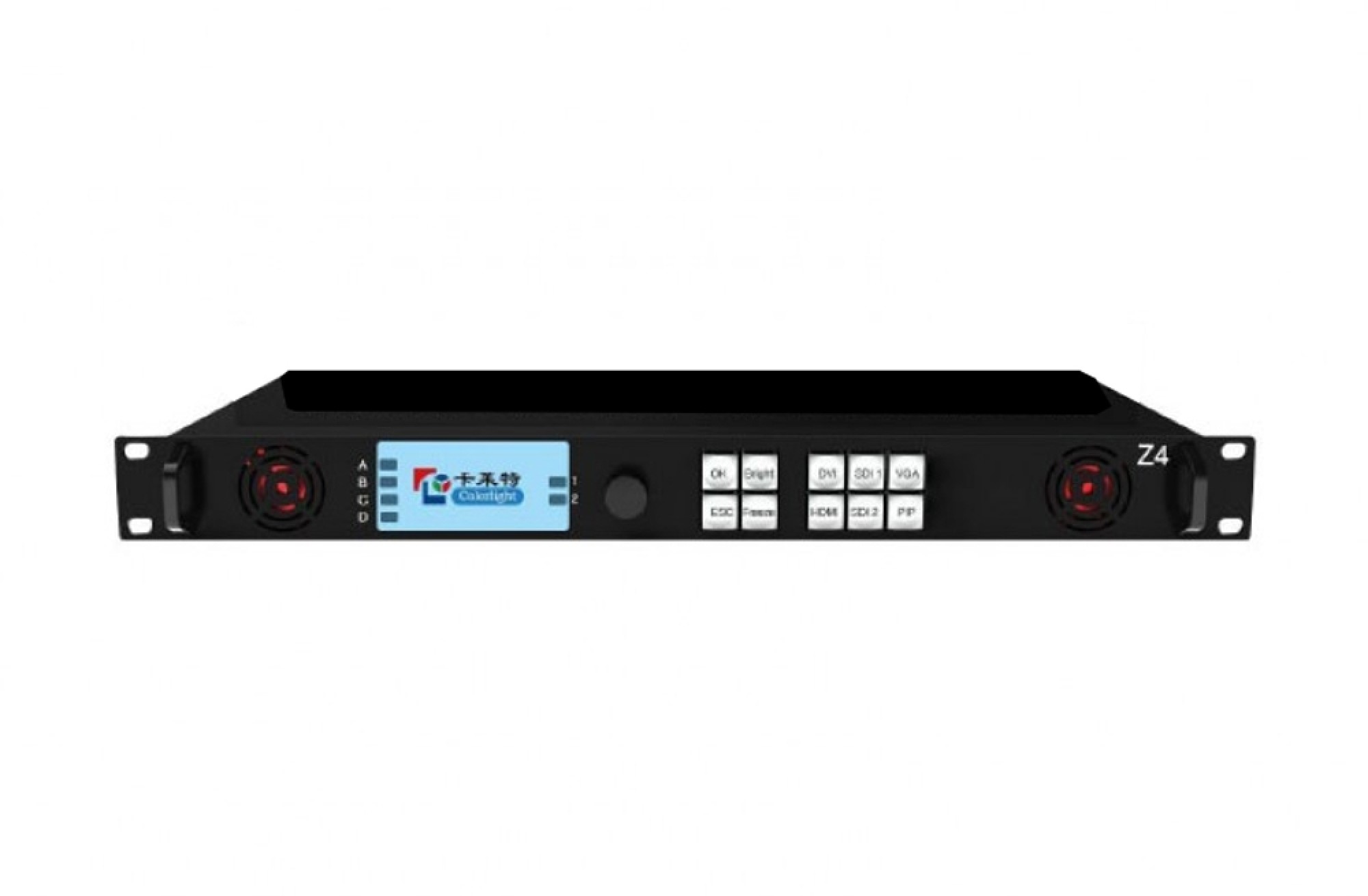
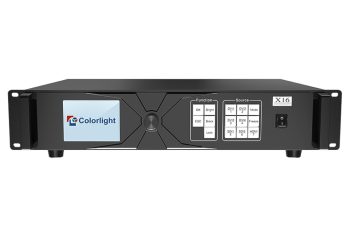
Z4 to profesjonalny kontroler wyświetlaczy LED. Jako łącznik wideo, processor and sender
in one combined, Z4 posiada duże możliwości odbioru sygnału wideo, processing and
przenoszenie. It achieves excellent high-definition images and flexible image control
funkcjonować. Z4 can be applied to popular rental display and common fixed display
perfectly.
Cechy
Video input ports including 1xHDMI(z pętlą), 1xDVI(z pętlą), SDI×2, VGA × 1;
Input resolution up to 1920×;
Support PIP and picture window roaming, the location and size of PIP can be adjusted freely;
Support 12bit HD video source;
Ładowność: 2.3 milion pikseli; Maksymalna szerokość: 4096 pikseli, Maksymalna wysokość: 4096 pikseli;
Support splicing and cascading among several controllers with synchronization strictly;
Support brightness and chromaticity adjustment, transformacja gamy kolorów;
Support zero latency of sending;
Support improved gray-scale at low brightness;
Support HDCP1.4;
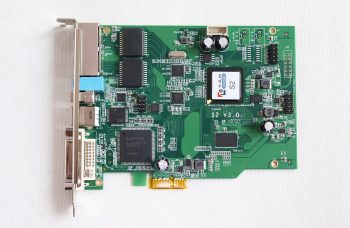
Kompatybilny ze wszystkimi kartami odbiorczymi , karta wielofunkcyjna, optical fiber transceivers of Colorlight.
The Front Panel

| NIE | Nazwa | Funkcjonować |
| 1 | 1.8-inch LCD | Display operation menu and system information |
| 2 | Pokrętło | Turning knob to select or adjust |
| OK/przęsło>Enter key | ||
| 3 | Function keys | ESC/przęsło>Escape current operation or selection |
| Bright/przęsło>Brightness option | ||
| Zamrażać:Freeze screen | ||
| PYPEĆ PIP switch | ||
| 4 | Selection keys | DVI/HDMI/SDI1/SDI2/VGA/przęsło>set up video source input |
The Back Panel

| Interfejs wejściowy | ||
| 1 | HDMI | Wejście HDMI1.4 z pętlą |
| 2 | DVI | Wejście DVI z pętlą |
| 3 | SDI | 2x3G-SDI inputs |
| 4 | VGA | Wejście VGA |
| Interfejs wyjściowy | ||
| 1 Fiber Output | 2 singlemode LC fiber outputs | |
| 2 Gigabitowy Ethernet | 4 Wyjścia Gigabit Ethernet | |
| 3 HDMI | HDMI monitoring output | |
| Interfejs sterujący | |
| 1.100Ethernet | Kontrola sieci (komunikacja z komputerem, lub sieć dostępową) |
| 2.USB_OUT | Wyjście USB, kaskadowanie z następnym kontrolerem |
| 3.USB_IN | Wejście USB, connection with PC to configure parameters of display image |
| 5.GENLOCK_LOOP | Genlock signal loop output |